
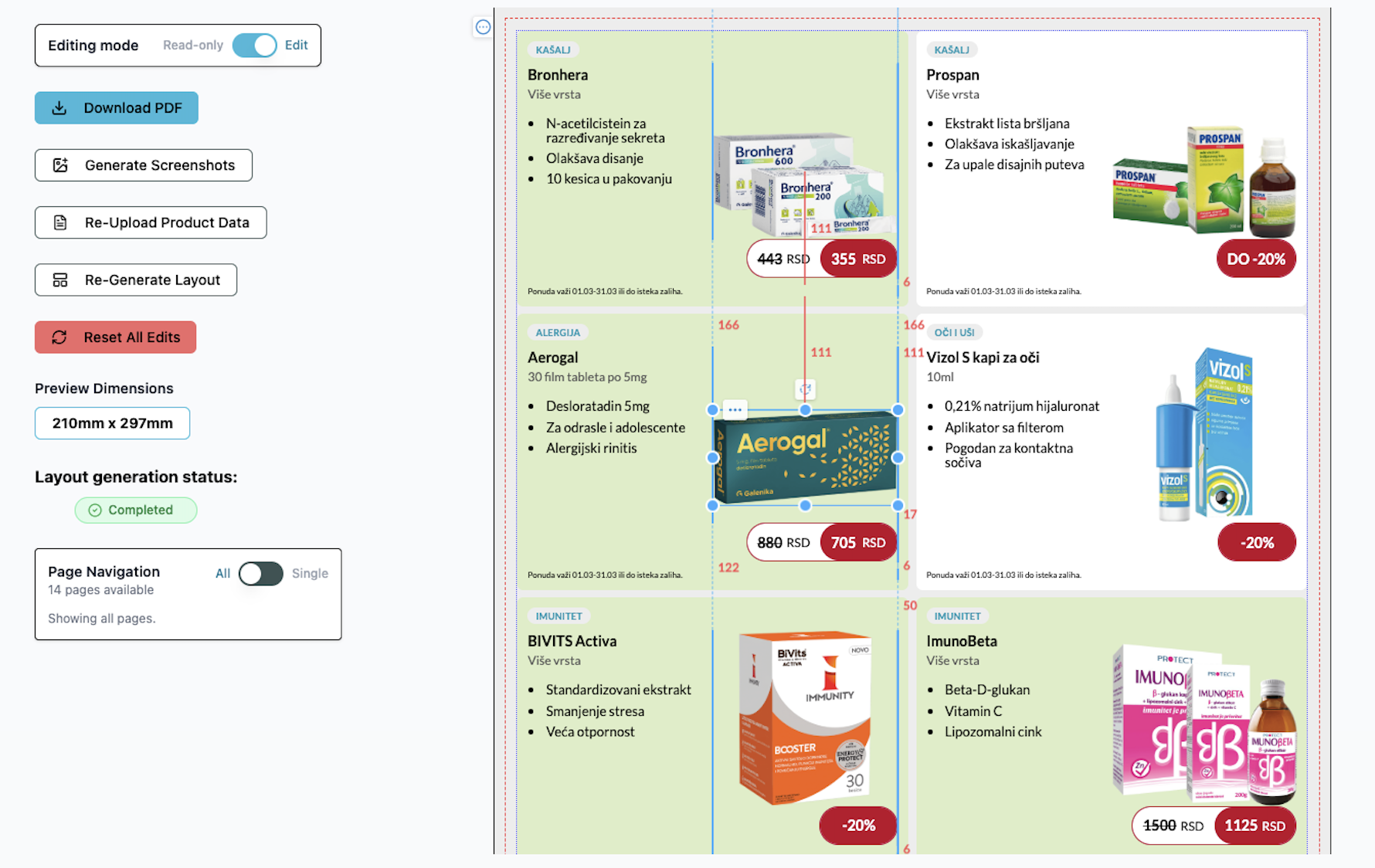
Import Excel, preview, edit, export, done.
No designer or specialized software needed.
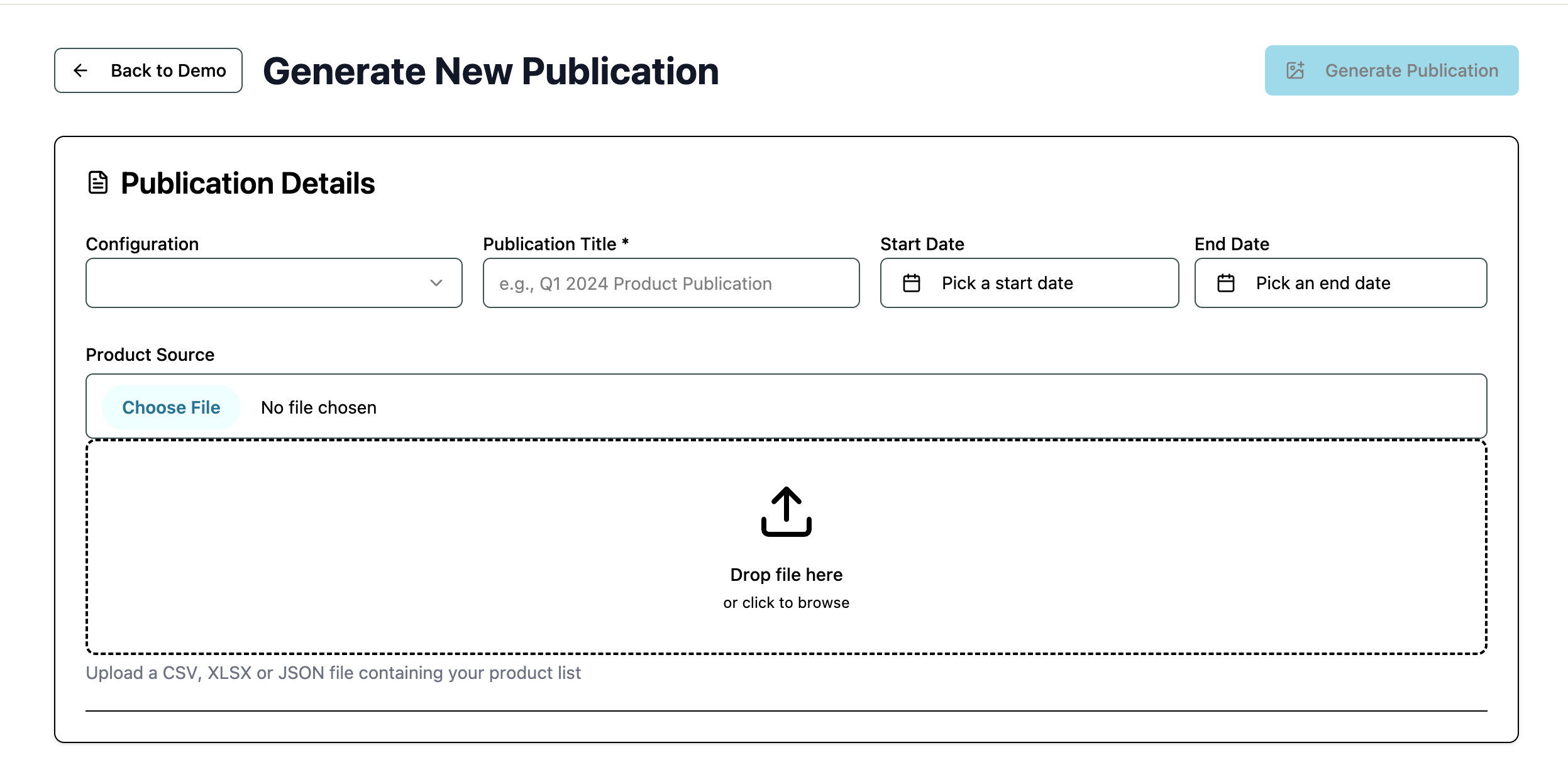
Use the existing Category Management table to define the products that will be featured, prices, promo dates, badges, bundles, and reserved spots for finished inserts by brands or distributors.
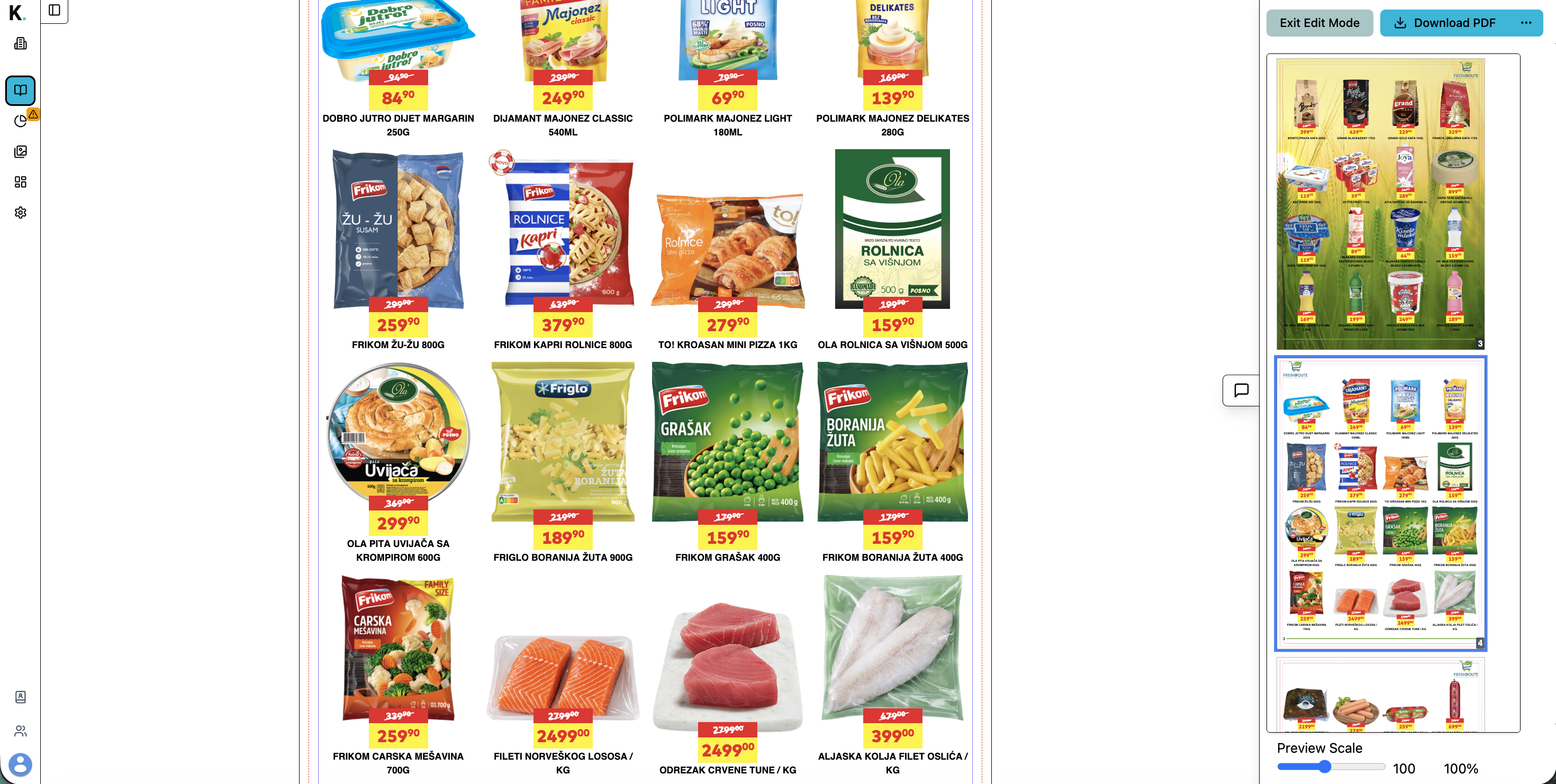
Scroll your catalog by per page and use Katalyx features to swap page colors, add themed backgrounds, or share category pages with your CMs for feedback.
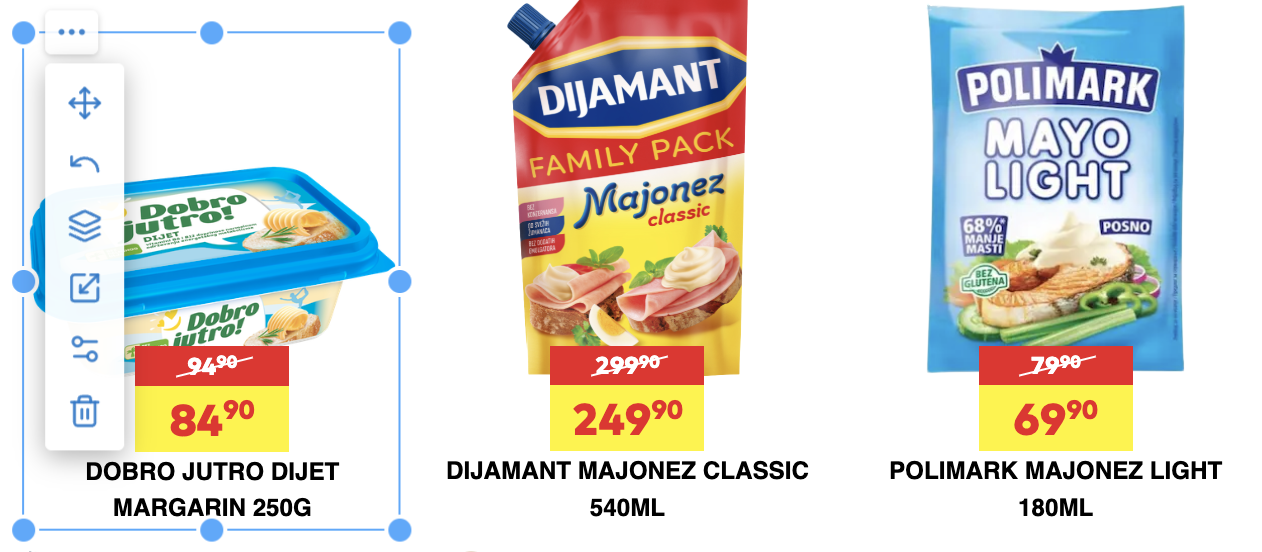
Size images down or up, remove backgrounds as necessary, add backgrounds to individual products, (re)position items in bundles as you see fit, and move badges around the product tile.
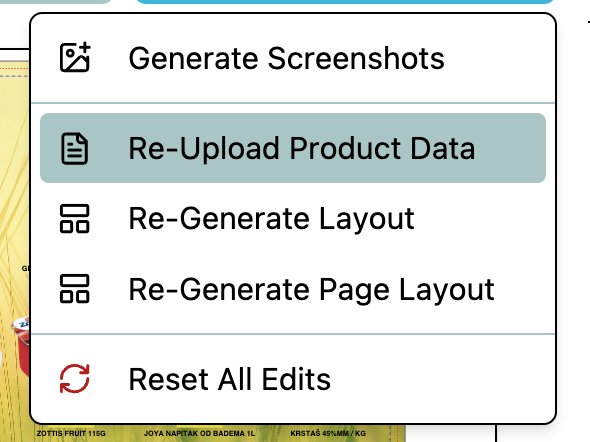
Products and prices change all the time during the promo negotiation cycle. Katalyx can update product info without touching your layout or regenerate pages that changed too much for simple manual edits.
Once you're done, you're free to export your PDF catalog and launch the promotion without delays.
Ready to create catalogs from product data?
Implementation takes 3-4 weeks, including a test catalog, choosing your pricing package, and training future Katalyx users.

Analyzing your current proces
Where is your image database? Is it structured? What does your CM Excel look like now?

Creating your branded template
How do you organize products per page? How do you show price and discount?

Onboarding
We create a Katalyx account for you and train its users.
Generate your catalog from Excel and use our additional features to eliminate any manual design work.

Generate catalog in a few clicks without Photoshop, InDesign, or any need for design skills.

Once you generate a catalog, you get a PDF that is both print-ready and prepared for digital sharing.

The template follows your brand book. Colors, logos, badges, categories, special sections and pages.

Need several different design formats? Setup is just as simple as for your basic design.

You don't need a designer to swap an image, price, or product. Import updated Excel or edit in-platform.

Import the Excel, and you get a catalog preview. Here you can change the table data and images.

Product has a wrong or missing visual? Swap or add new images in the editor.

Image is too blurry to print or post? Katalyx has a built-in upscaler in the preview.

Got a non-transparent image? Katalyx has a built-in background remover.

Add or edit an image, and we save the new version for future uses.

If distributors send ads or pages to insert, Katalyx adds them to the determined slots.

Publish online catalogs through our domain, and we track their traffic and clicks.

If your Excel has web shop links, Katalyx adds them to the PDF catalog.


Use modern technology to finish your catalog, enter changes, and produce new versions in a single upload and three buttons.
Book a meeting